Today marks the launch of the Matrix system overhaul.
— RECOLORADO has produced a really detailed webinar (45 minutes) to explain all the changes
— They are also offering classes throughout town.
If You Want the Basics, Read On:
Property Types and Searching
Matrix increased the categories of property types to make input and searching more specific. For instance, the ability to search by room type on a particular level if you’re looking for that main floor master. You can also search for types of parking spaces (like garage) rather than just total number of parking spaces.
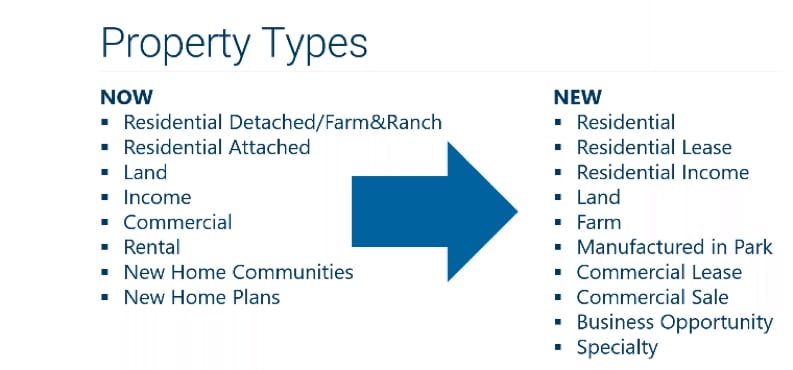
Before you begin your first search you need to understand the new property types as well as the “subtypes” because there are a lot of them. Here’s how the property types have changed.
New Subtypes
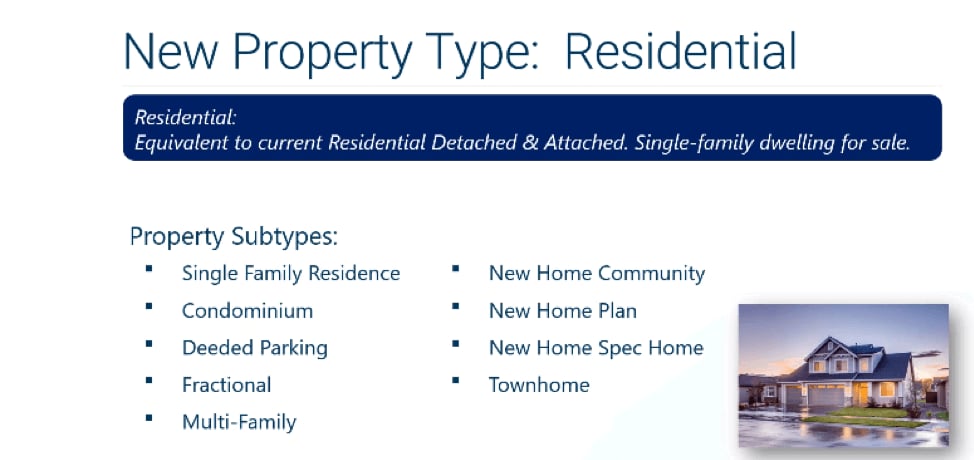
One of the first things to notice with this list is that residential isn’t broken down between residential attached and residential detached. This is done with the new “subtype” organization. In the image, you can see the subtypes for residential. Now you can search condominium or townhome as a specific subtype rather than the two being lumped together as “attached.” There are even subtypes for deeded parking and fractional.
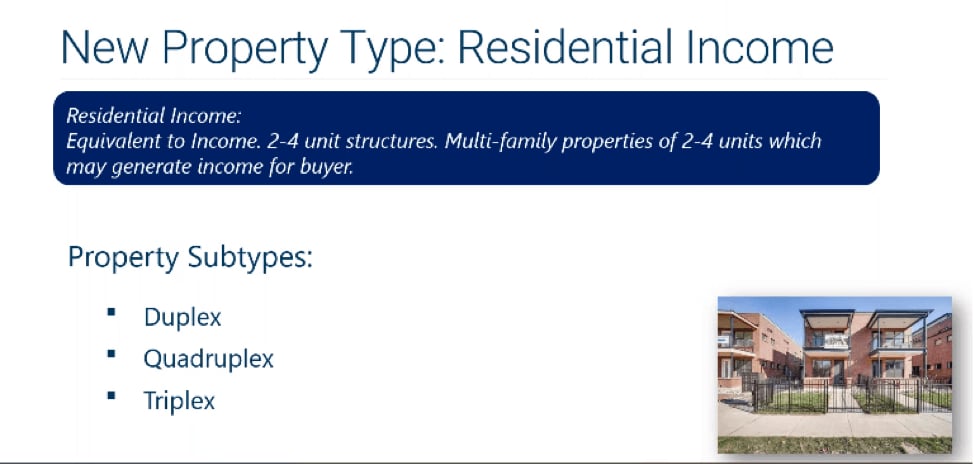
Income Property Subtypes
The new system also helps investors narrow down specific subtypes of income property: duplex, triplex, and quad.
Land Subtypes
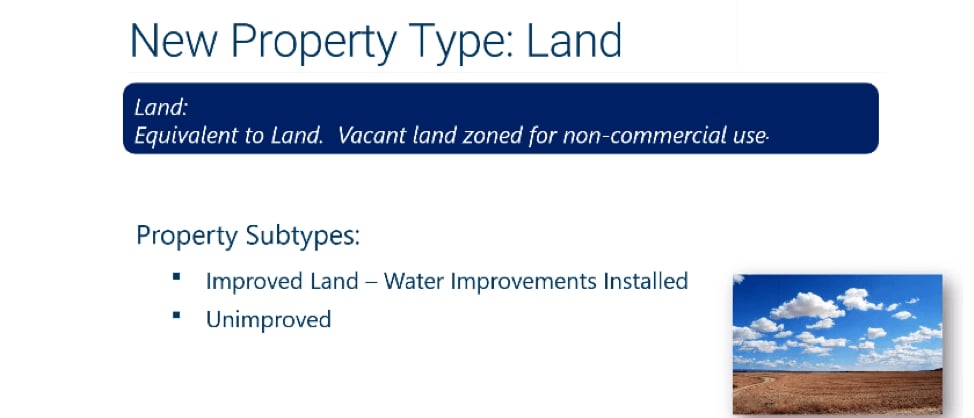
Looking for land that already has water improvements installed? The new subtypes under land allow you to search for non-commercial land that is either unimproved are has water improvements installed.
New Property Types
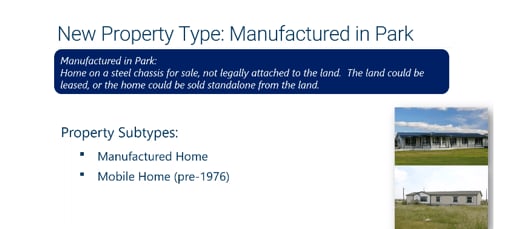
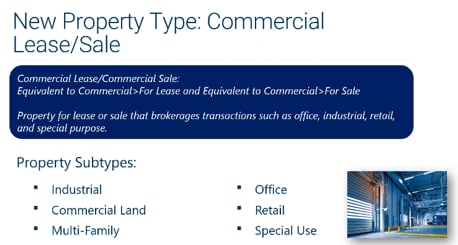
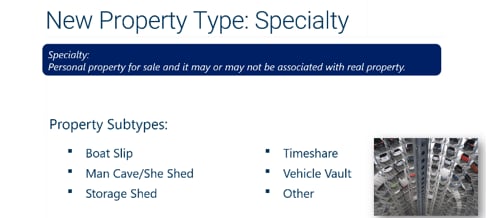
Matrix also added some more obscure property types and subtypes, including mobile homes, commercial lease/sale, business opportunities, and “specialty” property for non-real property, such as sheds, boat slips, etc. It will be interesting to learn how these new property types catch on.

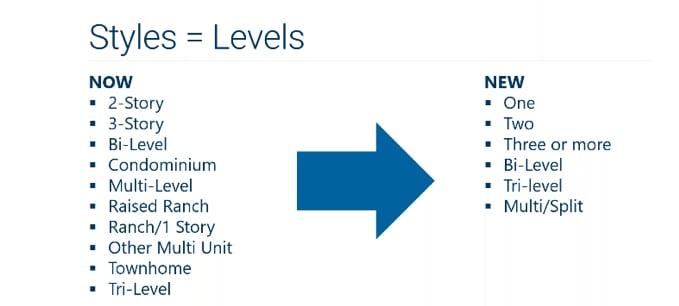
Style Levels
Looking for a “raised ranch?” That style level is gone. There are now fewer style levels to choose from.
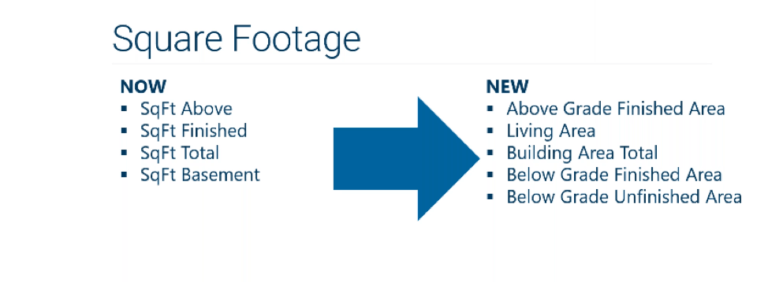
Square Footage
Matrix also changed the terminology on square footage to become more consistent with other jurisdictions. The term “SqFt Finished” is now “Living Area.” The below grade SqFt also separates between finished and unfinished. You’ll be able to search all 5 fields.
Be careful when inputting SqFt because the new system will automatically calculate the below grade finished and unfinished depending on how you input the other categories.
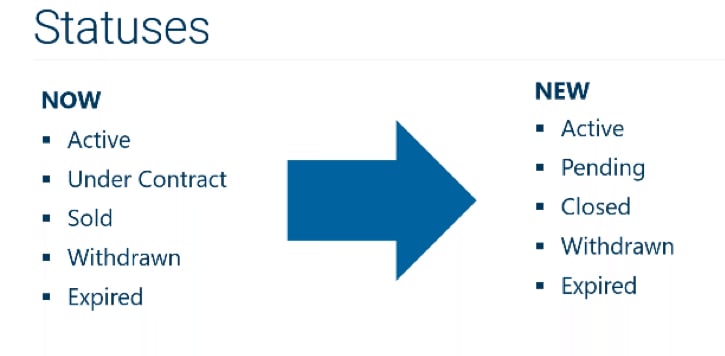
Status Changes
Another big change is with contract status. The status “sold” is now “closed” and “under contract” is now “pending.” Although the terminology has changed the rules remain the same so the rules governing “pending” are the same rules that governed “under contract.” In addition to these status changes you’ll also see a few more options for “contingencies” and a convenient search field for “Accepting Backups.”
New Listing Features
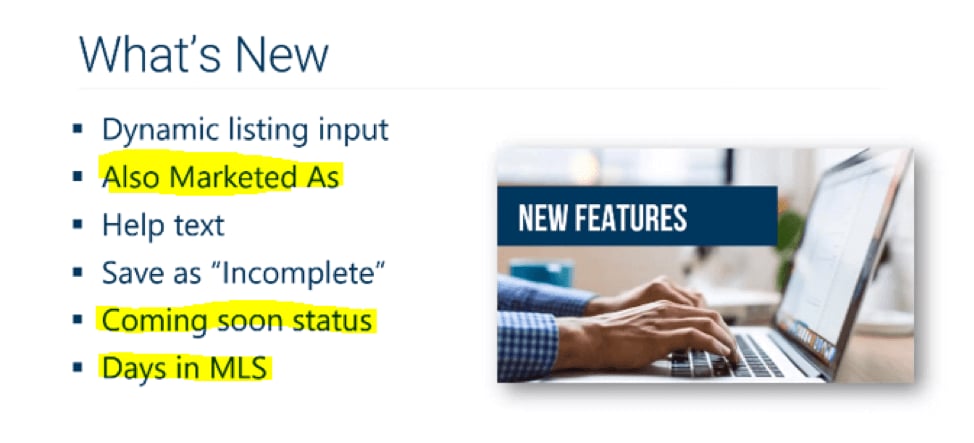
Three other new features are worth knowing.
The first is the “Also Marketed As.” If you have large piece of land with a house that would probably be scraped, you could input it as residential property but also market it under the property type “land.” No need to do two MLS entries for the same property.
The second is “Coming Soon Status” which allows you to show a property as coming soon. Keep in mind that this property will ONLY be visible to other brokers in your brokerage, not the public. When the coming soon period has expired the status will automatically push to ACTIVE.
The third is “Days in MLS.” Matrix has also changed the Days on Market field to “Days on MLS.” The Days on MLS will be calculated as the day the property was actually listed, not the date of your listing contract. MLS has also removed the “cumulative days on market.” If you want to see the entire listing history of a property you will have to select the “history” tab under that property listing.